
How to Print Packing Slips on Shopify: The Complete Guide (2026)
by Pixi Team
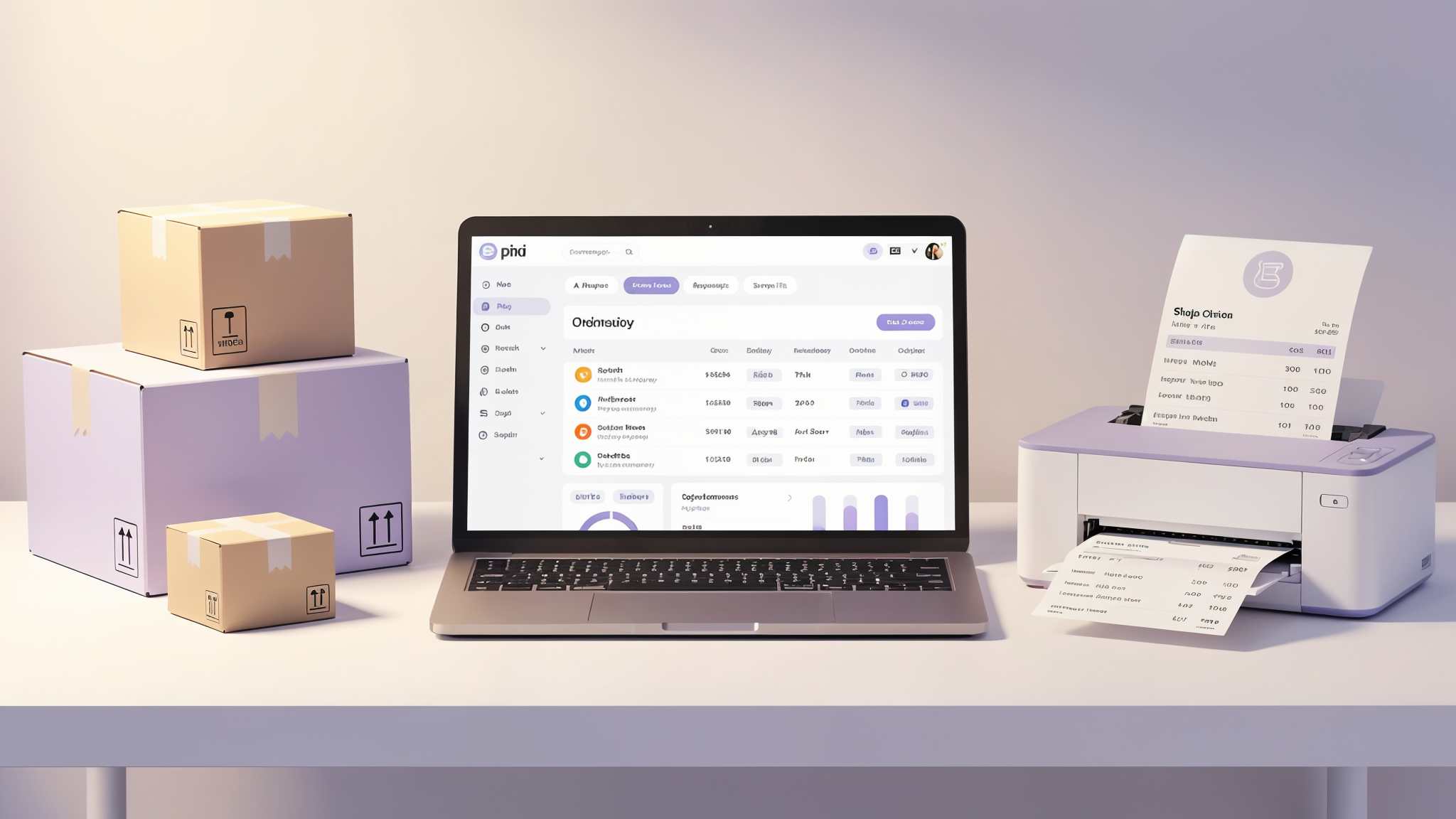
Every Shopify order that leaves your warehouse is a chance to impress your customer. A well-designed packing slip does more than list items — it reinforces your brand, reduces support tickets, and makes returns smoother. Yet many merchants still struggle with Shopify's limited built-in printing options.
In this guide, we'll walk you through how to print packing slips on Shopify — from the basics to advanced customization — so every package you ship looks professional.
What Is a Packing Slip (and Why Does It Matter)?
A packing slip is a document included inside a shipment that lists the items in the order. Unlike an invoice, it typically doesn't show prices — it's a picking and verification tool for both your warehouse team and your customer.
Here's why packing slips matter more than most merchants realize:
- Fewer "where's my item?" tickets — Customers can immediately verify they received everything.
- Smoother returns — A clear packing slip with order details makes returns and exchanges painless.
- Brand reinforcement — A branded packing slip with your logo and colors feels premium. It's a physical touchpoint in a digital world.
- Warehouse efficiency — Your packing team uses it to pick and verify items, reducing shipping errors.
Method 1: Shopify's Built-in Order Printing
Shopify provides a basic packing slip option out of the box. Here's how to access it:
- Go to Orders in your Shopify admin.
- Select one or more orders.
- Click More actions → Print packing slips.
This generates a simple, no-frills document. It works — but it has significant limitations:
- No logo or brand colors
- Limited layout customization (requires editing Liquid templates)
- No bulk printing workflow
- No PDF export
- No support for thermal printers
For stores doing more than a handful of orders per day, these limitations add up fast.
Method 2: Use a Dedicated Order Printer App (Recommended)
A purpose-built app like Pixi Order Printer removes all those limitations and gives you a professional printing workflow from day one.
Here's what a dedicated order printer app brings to the table:
🎨 Fully Branded Templates
Add your logo, brand colors, custom fonts, and messaging. Your packing slip becomes an extension of your brand — not a generic Shopify printout.
📦 Bulk Print in One Click
Select dozens (or hundreds) of orders and print all their packing slips at once. Essential for stores processing high volumes during sales events or peak seasons.
📄 PDF Downloads
Generate clean PDF files you can save, email, or archive. Perfect for record-keeping and sharing with fulfillment partners.
🖨️ Multiple Document Types
Print more than just packing slips — generate invoices, shipping labels, pick lists, and receipts from the same app. One tool, all your order documents.
⚡ Auto-Printing
Some apps support automatic printing when a new order comes in — zero manual intervention. Connect your printer and let orders flow straight to paper.
How to Set Up Packing Slips with Pixi Order Printer
Getting started takes just a few minutes:
- Install Pixi Order Printer from the Shopify App Store.
- Choose a template — pick from pre-built professional designs or start from scratch.
- Add your branding — upload your logo, set your colors, and customize the layout.
- Configure your fields — choose which order details to show: item names, quantities, SKUs, order notes, shipping address, and more.
- Print or download — select your orders in Shopify, click Print, and you're done.
Tips for Better Packing Slips
Whether you use Shopify's built-in option or a dedicated app, these tips will make your packing slips more effective:
1. Always Include Your Logo
It seems small, but a branded packing slip signals professionalism. Customers who receive a generic printout subconsciously trust the purchase less than one with clear branding.
2. Add a Personal Touch
Include a short thank-you message or a discount code for the next purchase. This tiny detail drives repeat orders and builds loyalty.
3. Show Only What's Needed
Don't clutter the slip with unnecessary data. The essentials: order number, item names, quantities, and shipping address. Leave prices off unless the customer specifically needs an invoice.
4. Use Clear, Readable Fonts
Your warehouse staff needs to read these quickly. Use at least 11pt font, good contrast, and plenty of whitespace.
5. Include Return Instructions
Adding a brief return policy or QR code linking to your returns page reduces support emails and improves customer experience.
Packing Slip vs. Invoice: What's the Difference?
| Feature | Packing Slip | Invoice |
|---|---|---|
| Purpose | Verify shipment contents | Request or confirm payment |
| Shows prices? | Usually no | Yes |
| Included in package? | Yes | Sometimes (or emailed) |
| Tax details? | No | Yes |
| Legal requirement? | No | Often yes (varies by country) |
Many merchants need both. With an app like Pixi, you can generate packing slips and invoices from the same tool — saving time and keeping everything consistent.
Common Questions About Shopify Packing Slips
Can I print packing slips in bulk on Shopify?
Shopify's built-in tool supports basic bulk selection, but it's clunky for large volumes. A dedicated app like Pixi Order Printer handles bulk printing smoothly — select all unfulfilled orders and print in one click.
Can I use a thermal printer for packing slips?
Yes, but you'll need an app that supports thermal-friendly layouts (4x6" or similar). Standard Shopify packing slips are designed for A4/Letter paper only.
Can I customize what appears on my packing slip?
With Shopify's default, you'd need to edit Liquid templates (code). With Pixi Order Printer, you get a visual editor — drag and drop the fields you want, no coding required.
Do I need packing slips if I sell digital products?
Generally no. Packing slips are for physical shipments. For digital products, an email receipt or invoice is more appropriate.
Start Printing Professional Packing Slips Today
Your packing slip is one of the few physical interactions your customer has with your brand. Make it count.
Try Pixi Order Printer — set up branded packing slips, invoices, and more in minutes. No coding, no complexity, just clean professional documents for every order.
